

← NOEVALKY
🌈 Free · Windows · 9 languages

Bifröst

NOEVALKY's Overwatch server picker. You choose which players you want to play with, Bifröst guards the door.

Download Bifröst

⬇ Bifrost.exe
Windows 10 & 11 (64-bit) · free · 14 MB
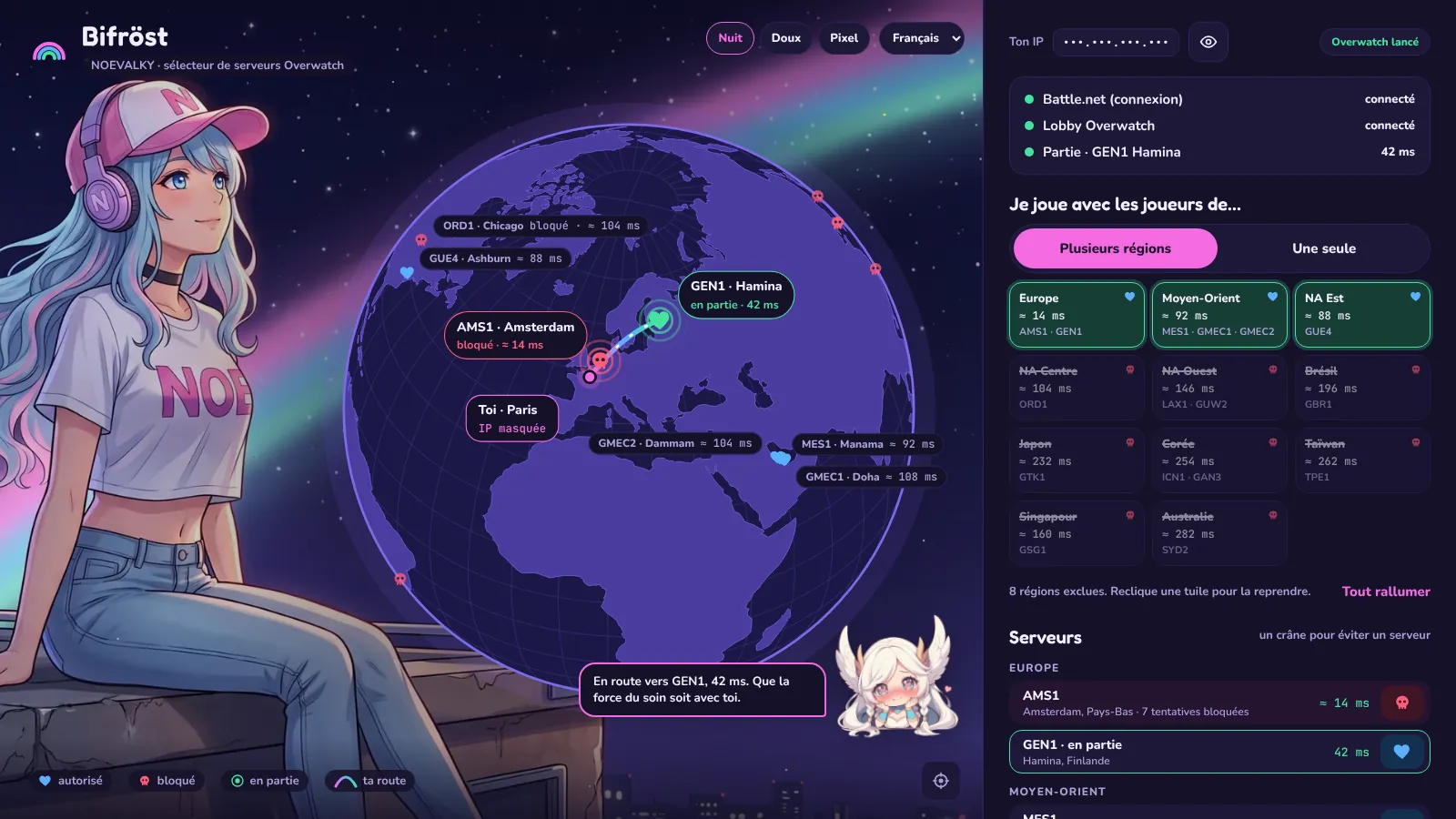
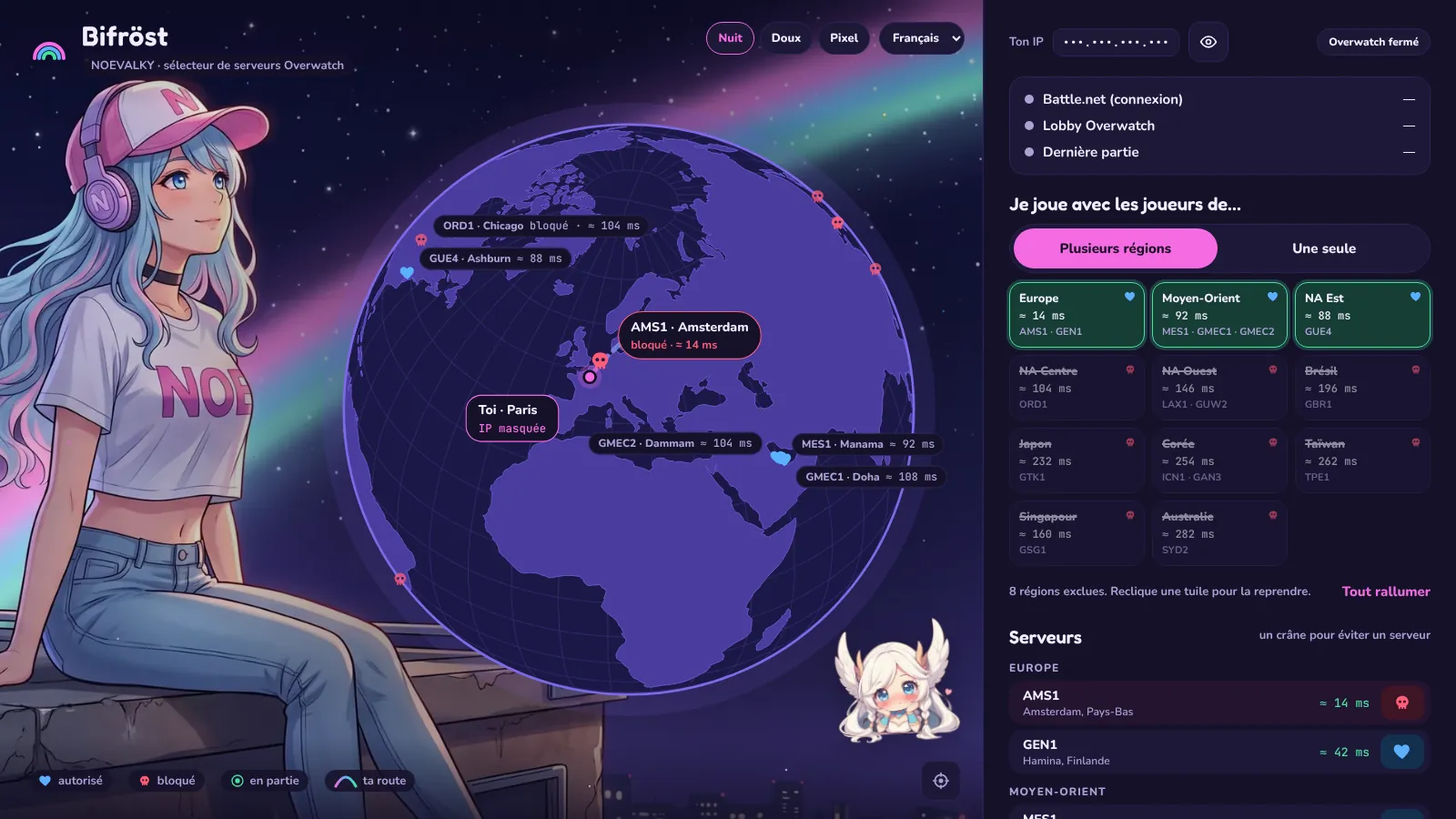
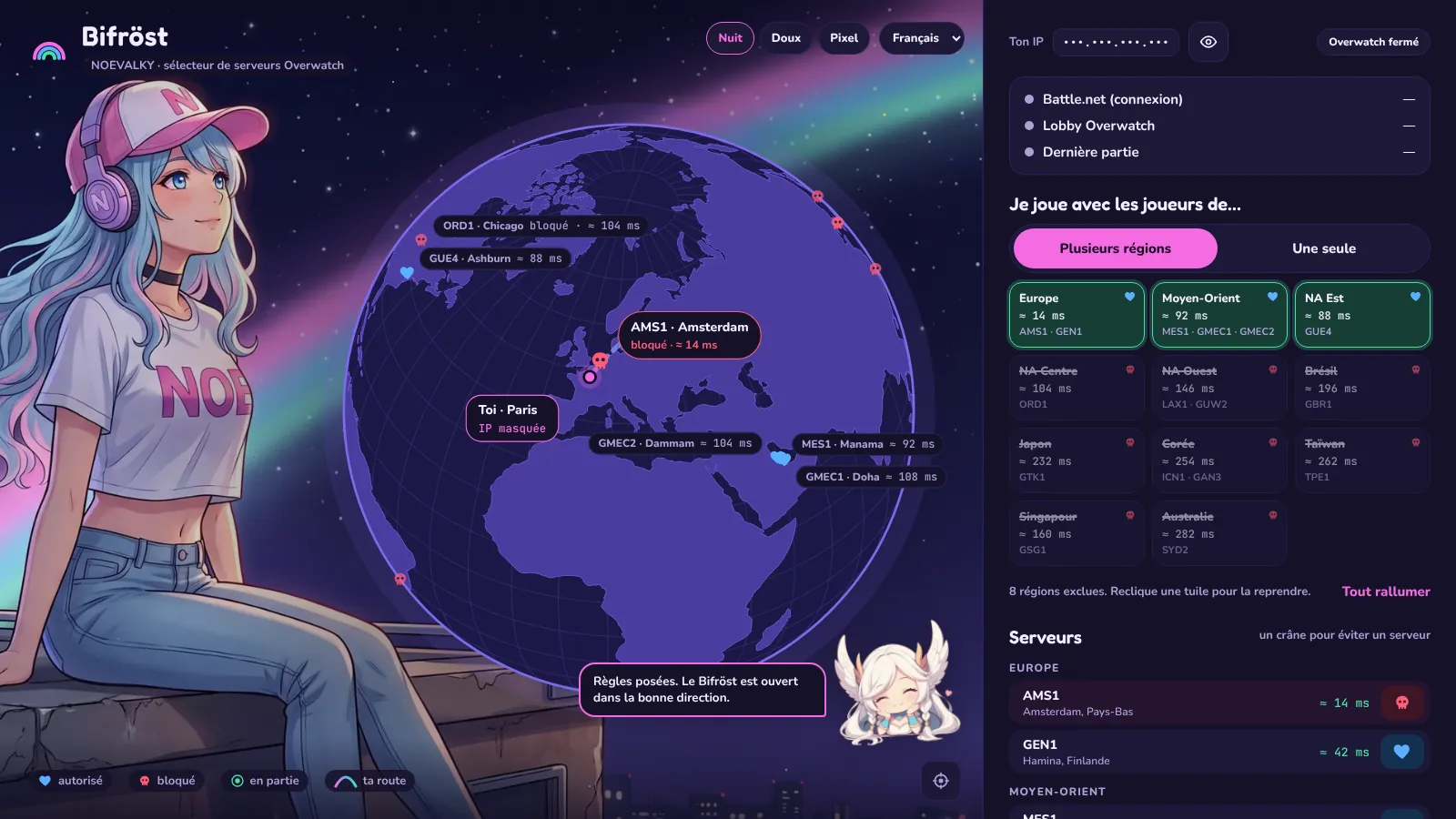
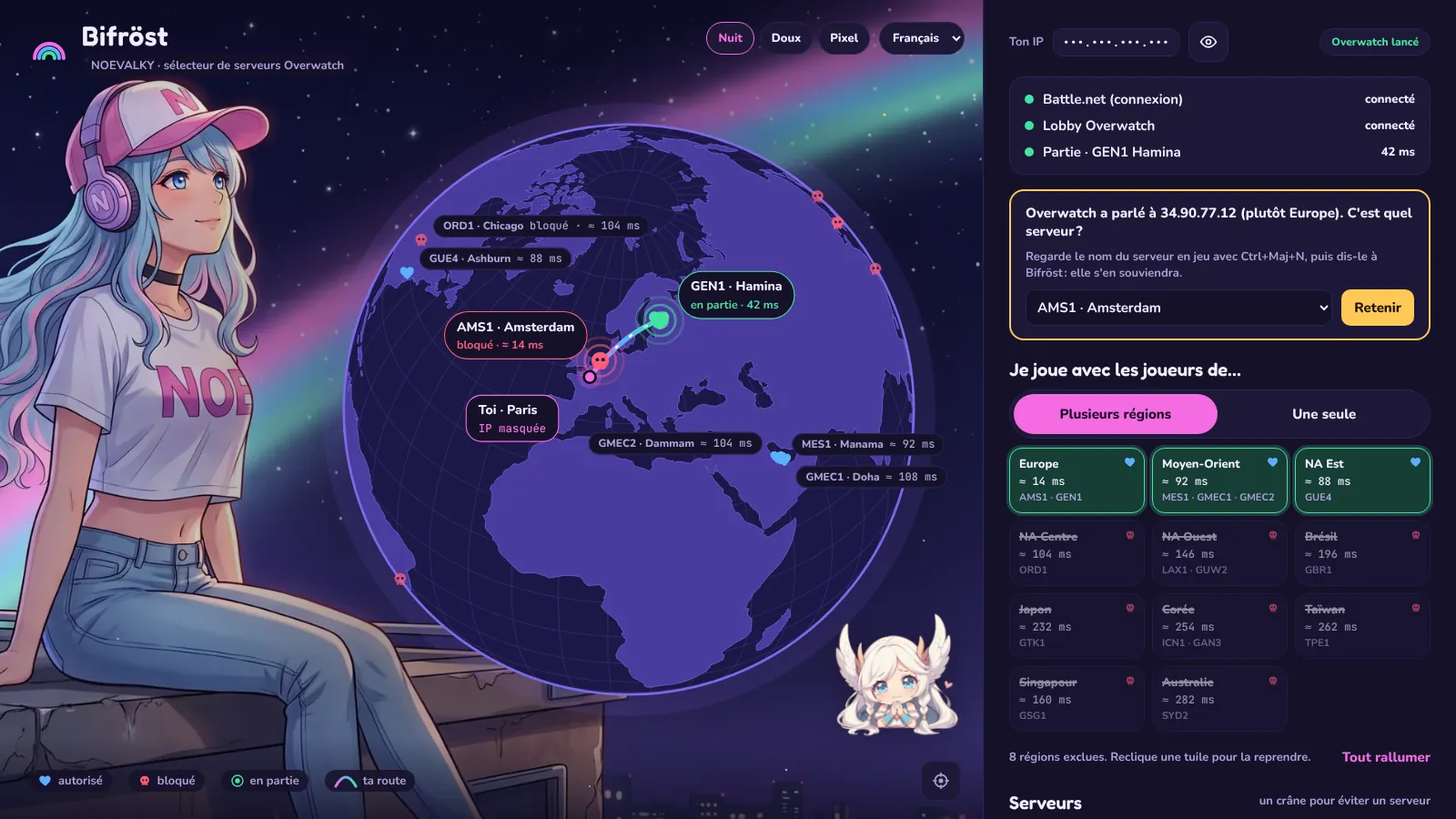
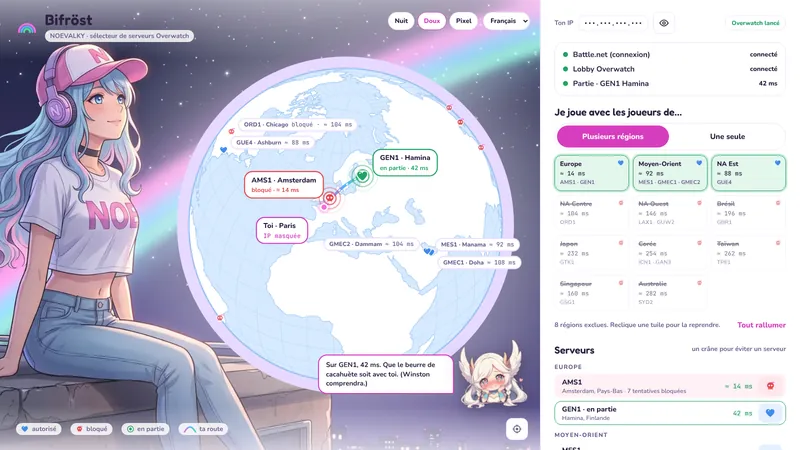
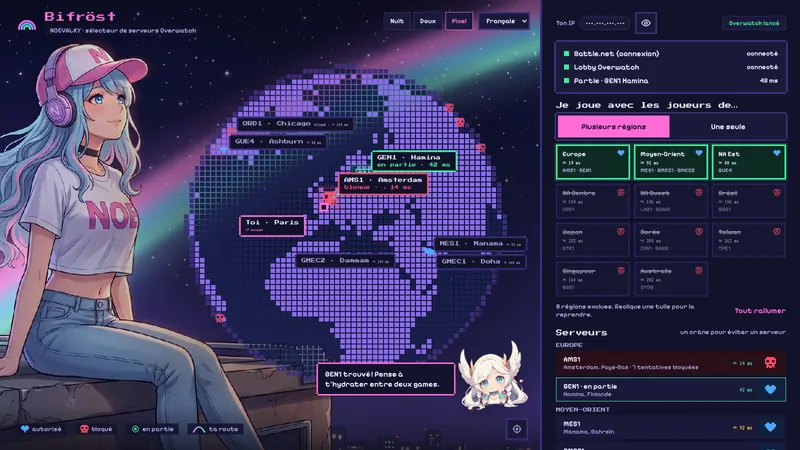
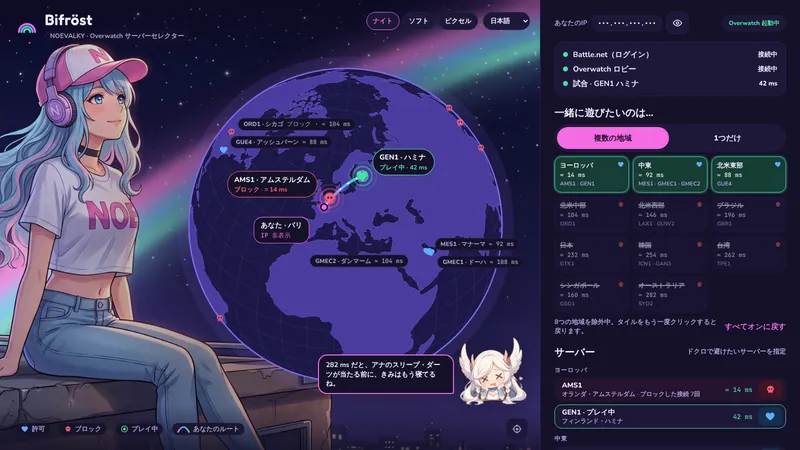
Bifröst during a match: the globe, NOE in the background and Nœtty commenting

Before you launch it: Windows will complain (that's normal)

Bifröst is brand new and unsigned (a code-signing certificate costs hundreds of euros a year). Windows doesn't know it yet, so it's suspicious. Here are the three screens you'll run into:

1

The browser

It may say Bifrost.exe isn't commonly downloaded. Open the download menu (…), choose Keep, then Keep anyway if Edge insists.

2

Windows SmartScreen

The blue “Windows protected your PC” screen: click More info, then Run anyway.

3

Administrator rights

Windows asks whether Bifröst can make changes: answer Yes. It needs that to put its rules in the firewall.

🔒 The code is public on GitHub, and every version is built and automatically tested on a real Windows machine before it's released.

How it works

Launch Bifröst
Step 1

Launch Bifröst

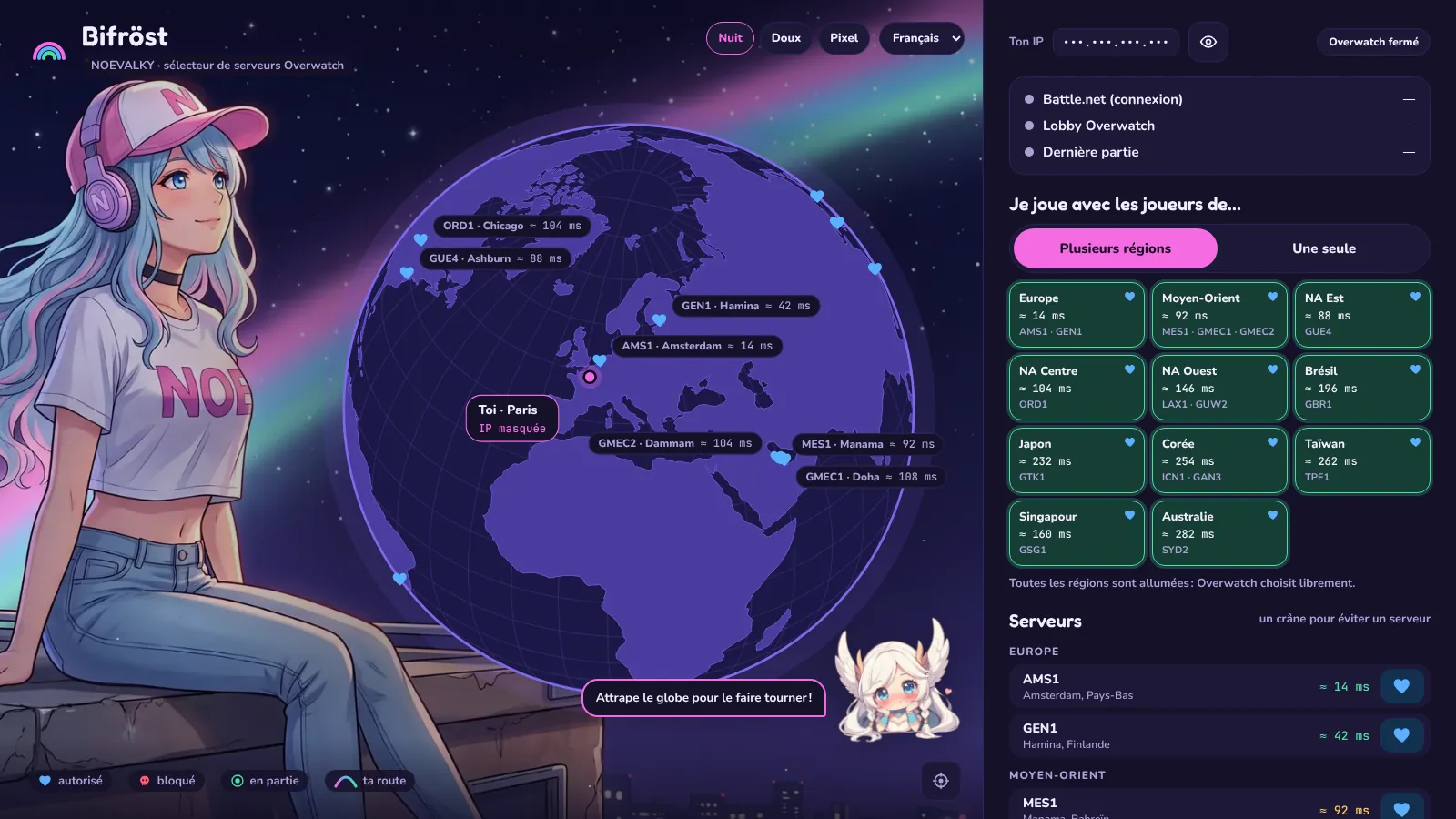
The globe opens. Each bubble shows your PC's ping to a server (with ≈, it's an estimate measured to the server's data center). Grab the globe to spin it.

Choose who you play with
Step 2

Choose who you play with

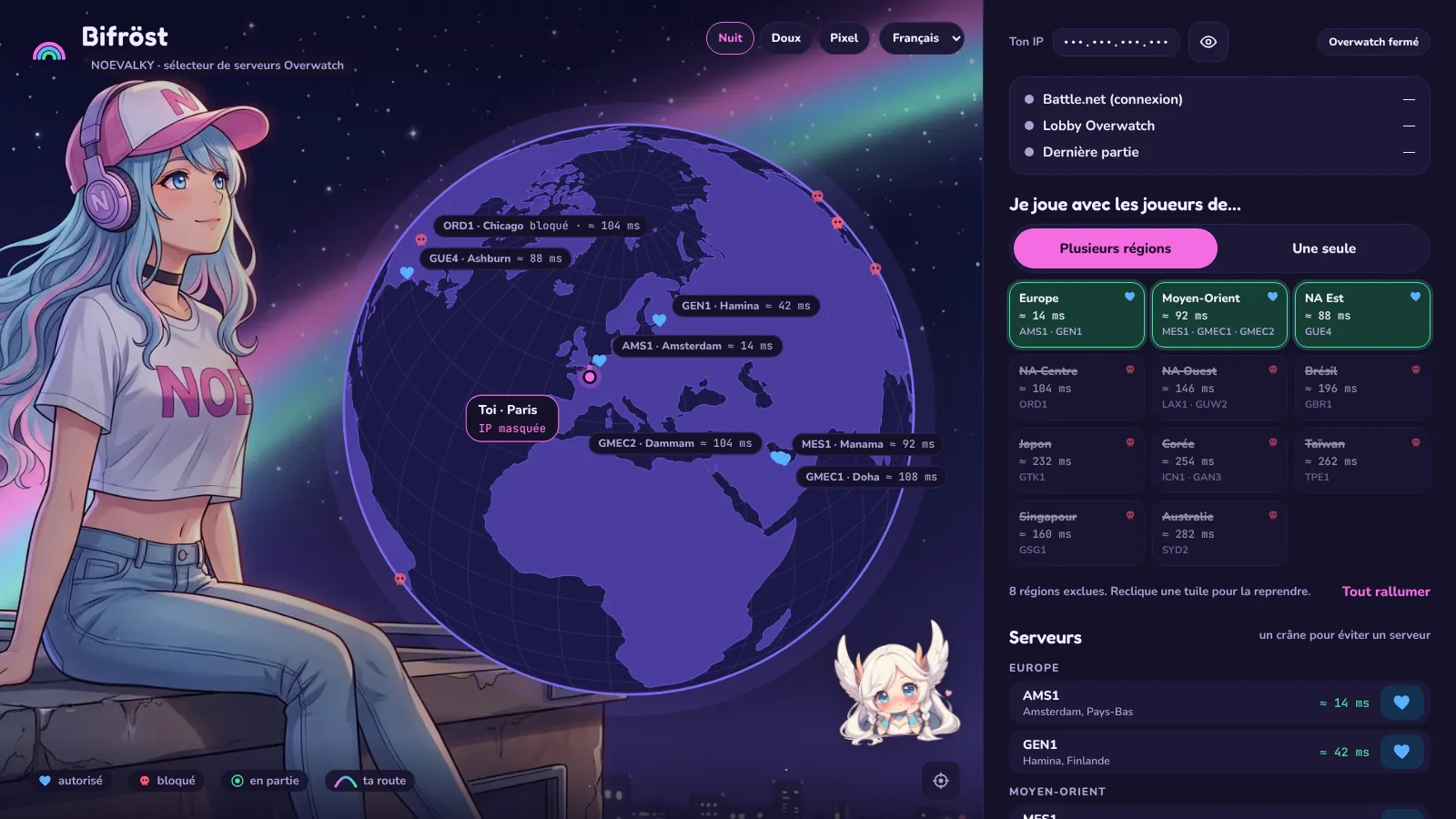
The “I want to play with players from…” tiles all start on. One click turns a region off, another brings it back. In “Just one” mode, a click keeps only that region.

Avoid one specific server
Step 3

Avoid one specific server

Click a server's heart, in the list or on the globe, and it gets a skull. Europe, but not AMS1, for example.

Hit “Apply”
Step 4

Hit “Apply”

Bifröst puts its rules in the Windows firewall. If you were mid-match, restart Overwatch.

Play
Step 5

Play

About 30 seconds into the match, live detection shows your server with green waves. Blocked servers that still try to reach you make red waves.

An unknown address?
Step 6

An unknown address?

Sometimes Overwatch talks to an address no list knows. Check the server name in game with Ctrl+Shift+N, pick it, and Bifröst remembers it.

7

Make it yours

Three themes, Night, Soft and Pixel, and nine languages: French, English, German, Spanish, Italian, Japanese, Korean, Swedish and Chinese. On first launch, Bifröst uses your Windows language.

8

Back to normal

The rules stay active when you close the window. “Unblock all” removes them all and turns every region back on.

Why Bifröst exists

For three days, I couldn't play a single match without lag. I couldn't find a fix anywhere.

Googling around, I figured it was a routing problem between my internet provider and the Google servers in Amsterdam that host Overwatch in Europe. So I wanted to force the game to connect me somewhere else.

I found foryVERX's free app… except it didn't work anymore: it hadn't been updated since 2023. I fixed it, made it cuter, added a few things, and had a blast playing with people from all over the planet. It was really cool.

Okay. Sometimes I didn't understand a word of the chat. And above all… I still lag just as much. I'm doomed to go touch grass.

Thank youuu, bye! 💜 Noelie

Read the story on the blog →

Questions

Does Bifröst remove lag?

No… It picks the servers, and so the players, you play with. If your lag comes from the route to one specific server, playing elsewhere can help. If it comes from your connection, Bifröst can't do anything about it. For me, it was the second one.

Does it touch the game?

No. Bifröst doesn't change any Overwatch file and doesn't inject anything into the game. It adds rules to the Windows firewall, by default only for Overwatch.exe, and only for game traffic (UDP) and pings. The Battle.net login and the lobby always get through.

Does it work on Windows 10 and 11?

Yes, 64-bit. Three exceptions: 32-bit Windows, Windows in S mode (which only accepts the Microsoft Store), and antivirus software that replaces the Windows firewall with its own (Bifröst needs the Windows firewall, and its log tells you if it's turned off).

Does it work on Mac or console?

No, Bifröst is made for Overwatch on a Windows PC.

How do I uninstall it?

Click “Unblock all”, close Bifröst, then delete Bifrost.exe. Its settings live in %LOCALAPPDATA%\Bifrost if you want a clean slate.

Why that name?

In Norse myth, the Bifröst is the rainbow bridge between worlds. Here, it connects your PC to the server you choose.

⬇ Download Bifröst